SmartSCV · hydraulic control interface
Your control system.
Your tractor's hydraulics.
Connect a supported implement control system to the selective control valves already on your tractor. SmartSCV translates its commands into hydraulic control, without adding a separate external valve block.
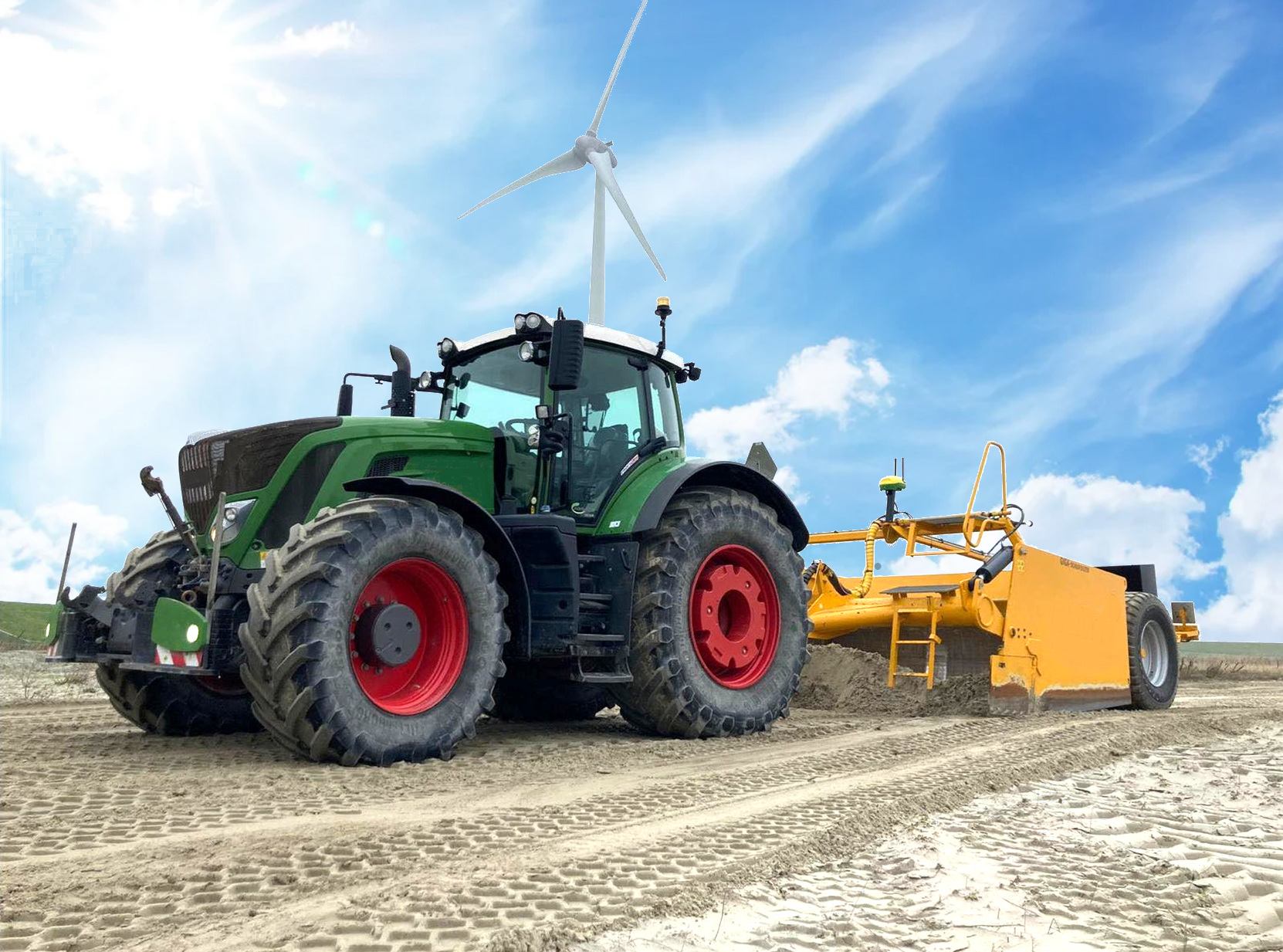
Use the valves you have
Control your tractor's existing SCVs.
Connect your control system
Supported CAN and analog command inputs.
Set up on your display
Configuration and diagnostics through ISOBUS VT.
From command to movement
The connection between controller and tractor.
Your application controller decides what the implement needs to do. SmartSCV receives its flow commands and sends the messages your tractor's valves understand.
Your controller sends a command.
For example, to raise or lower a scraper.
SmartSCV translates it.
The interface matches the control input to the supported tractor.
Your existing SCV supplies the flow.
The implement responds through the tractor's hydraulic couplings.

Work with your existing technology
Different controllers.
One hydraulic interface.
The control input and tractor are configured separately. Your dealer matches the harness and settings to both sides of the system.
John Deere®
iGrade™
Connect supported UCC1 analog or UCC2 controllers for hydraulic commands in grading applications.
John Deere®
Active Implement Guidance™
Use commands from a supported AIG controller to operate the tractor's hydraulic valves.
John Deere®
TruSet™
Connect a supported UCC2 control system to the tractor's existing SCVs.
Trimble®
FieldLevel™ II
Connect the TM-200 controller using the specified adapter harness and control profile.
SD Drain
DAC-8000
Use the supported analog input with the required machine-control harness.
Your combination
Check before you fit
Tell us your tractor, implement and controller model. We will confirm the right kit and connections.
Talk to our team →Match the machine and the controller
Built for more than one colour of tractor.
Machine-specific kits are listed for selected Fendt®, Challenger®, Massey Ferguson® and CLAAS® tractors. Exact generation and specification matter.
Fendt®
Selected 700, 800, 900 and 1000 series, plus supported MT machines.
Challenger®
Supported MT machines with the matching SmartSCV kit.
Massey Ferguson®
Selected 7xxx, 8xxx, 7S and 8xxxS machines.
CLAAS®
Selected Arion, Axion and Xerion machines.
A clear view from the cab
Configure, enable and monitor.
Open the SmartSCV interface on a compatible ISOBUS terminal to select the machine and control input, enable the required valves and check their status.
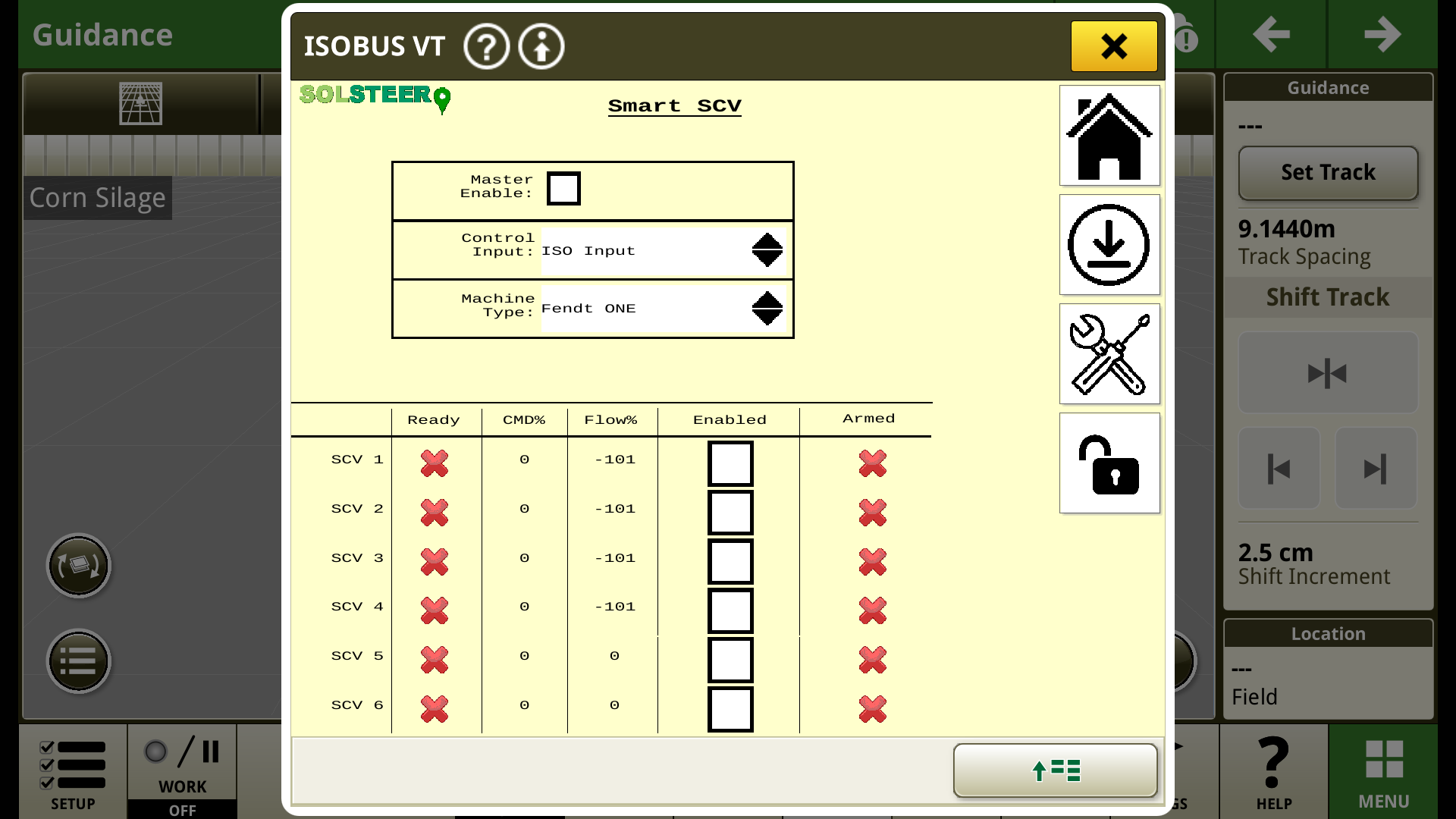
Match your setup
Select the supported control input and machine profile.
Choose the valves in use
Enable the required channels and see ready, command, flow and armed status.
Keep control deliberate
Master Enable and the relevant armed state are required before automatic commands can operate the valves.
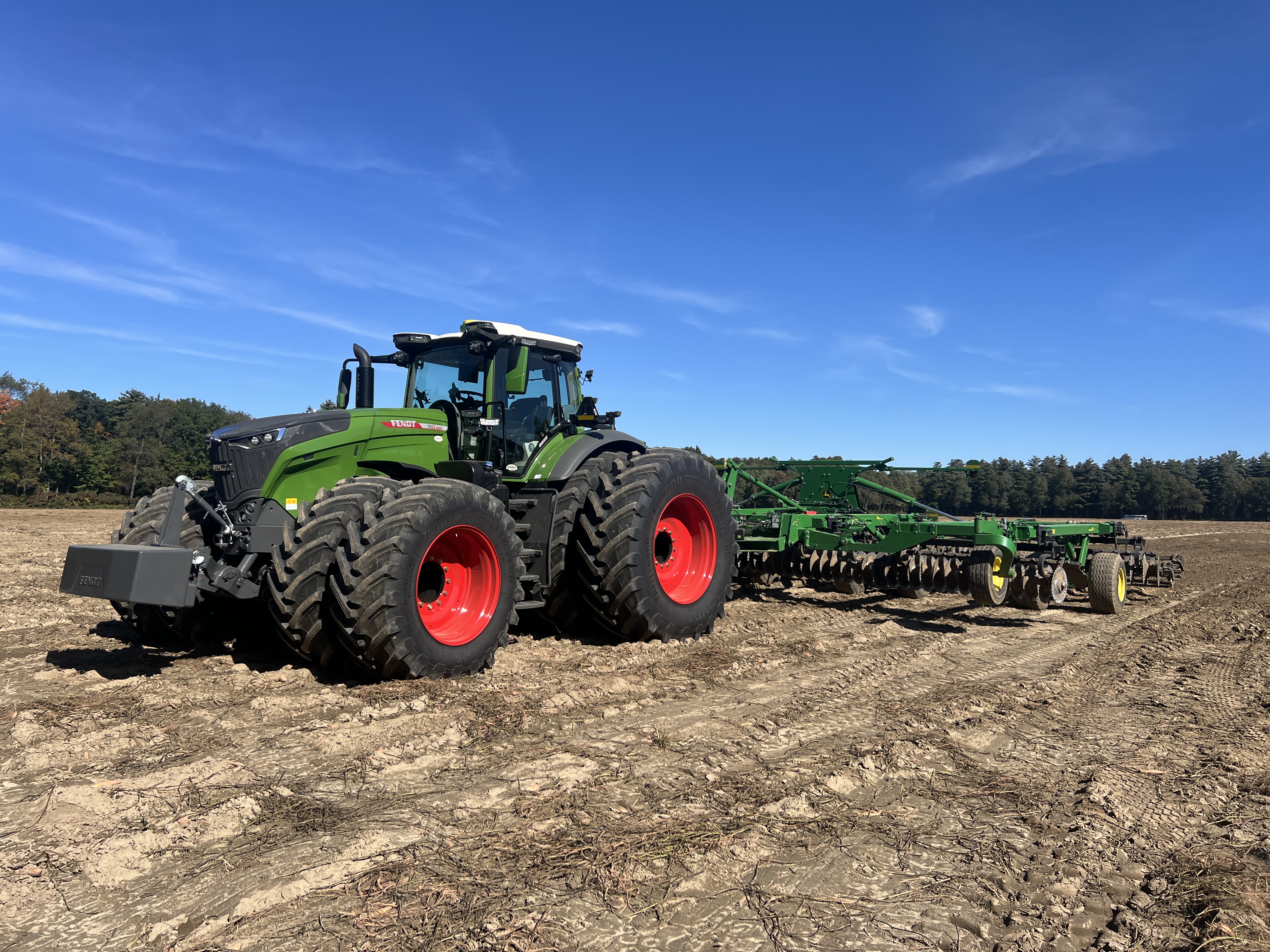
Use the machinery you have
From grading to implement control.
The job is defined by your application controller and implement. SmartSCV provides the connection to the tractor's hydraulics, whether the supported setup is handling scraper elevation, implement guidance or tillage adjustments.
Fitted for your combination
Connect. Configure. Check.
Your dealer selects the machine-specific harness, connects the controller and commissions the system for your implement.
01 / Connect
Fit the interface and harness
Connect SmartSCV to the tractor's valve communications, ISOBUS and the required control-system input.
02 / Configure
Match the tractor and controller
Select the profiles, configure the required valves and complete analog calibration if applicable.
03 / Check
Commission the complete setup
Verify communication, hydraulic direction and correct implement response before starting work.
Before you fit
Your questions, answered.
Does SmartSCV replace my application controller?
No. Your supported application controller still generates the commands. SmartSCV translates them for the tractor's existing SCVs.
Do I need an external hydraulic valve block?
SmartSCV is designed to use the existing valves on a supported tractor, avoiding an additional external control valve block and its associated pipework.
Can I still use the tractor's normal hydraulic controls?
With a valve disabled in SmartSCV, normal manual control is available. When SmartSCV has automatic control of a selected valve, that valve is operated through the system. Follow the operating instructions for enabling and disarming your setup.
Does it work with analog controllers?
Supported analog controllers can use the analog inputs with the appropriate wiring and calibration. The available channels differ from CAN-based configurations.
What should I send you to check compatibility?
Your tractor make, model and generation, your implement, and the application controller model and software version. These determine the kit, harness and configuration required.
Put your existing hydraulics to work.
Talk to your dealer about the right SmartSCV setup for your tractor, implement and control system.
Already using our products?
Help when you need it.
Help Center
Set-up guides, calibration and troubleshooting for every product.
Your dealer
Your first call for fitting, service and on-farm support.
Contact us
Questions about a machine or a product? Our team will help.