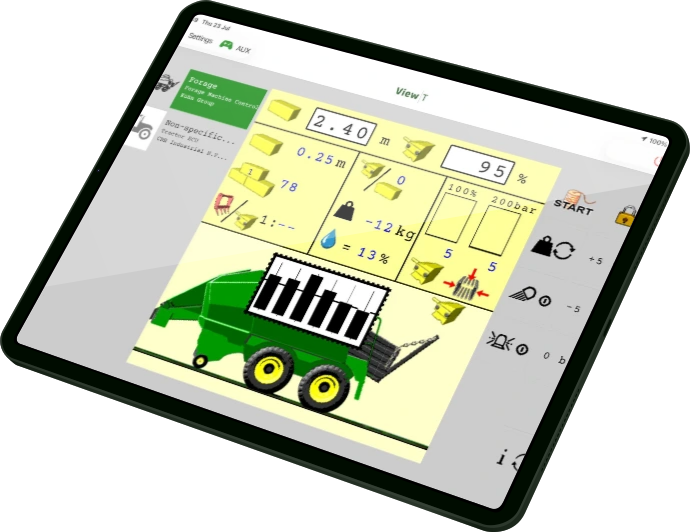

Flexible
Works as a primary or secondary monitor for iOS or Android systems.
Simple
Add the additional ISOBUS virtual terminal to your existing machinery.
Wireless
Make use of any tablet to create a wireless virtual terminal.
Technical Support
Expert advice, installation and technical support from authorised dealers.
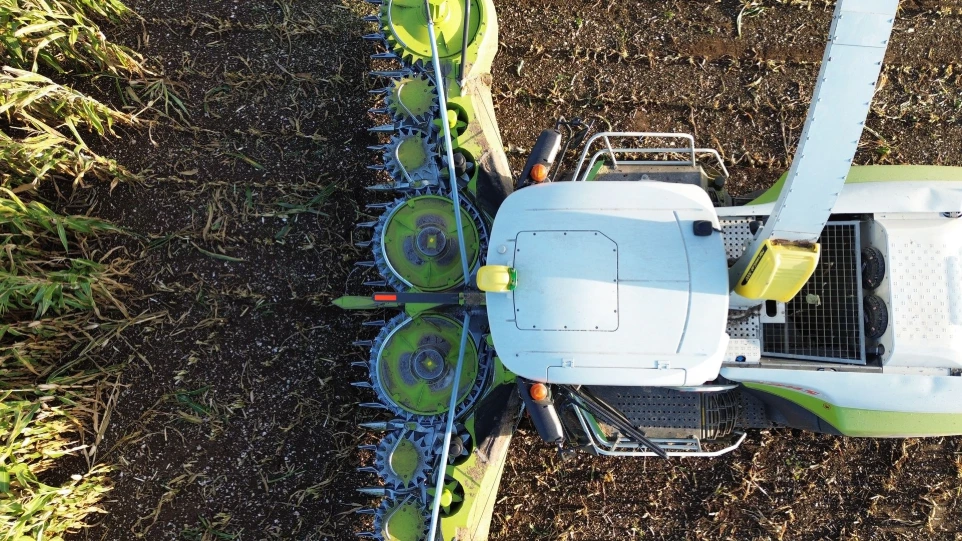
Flexible, Simple, Wireless
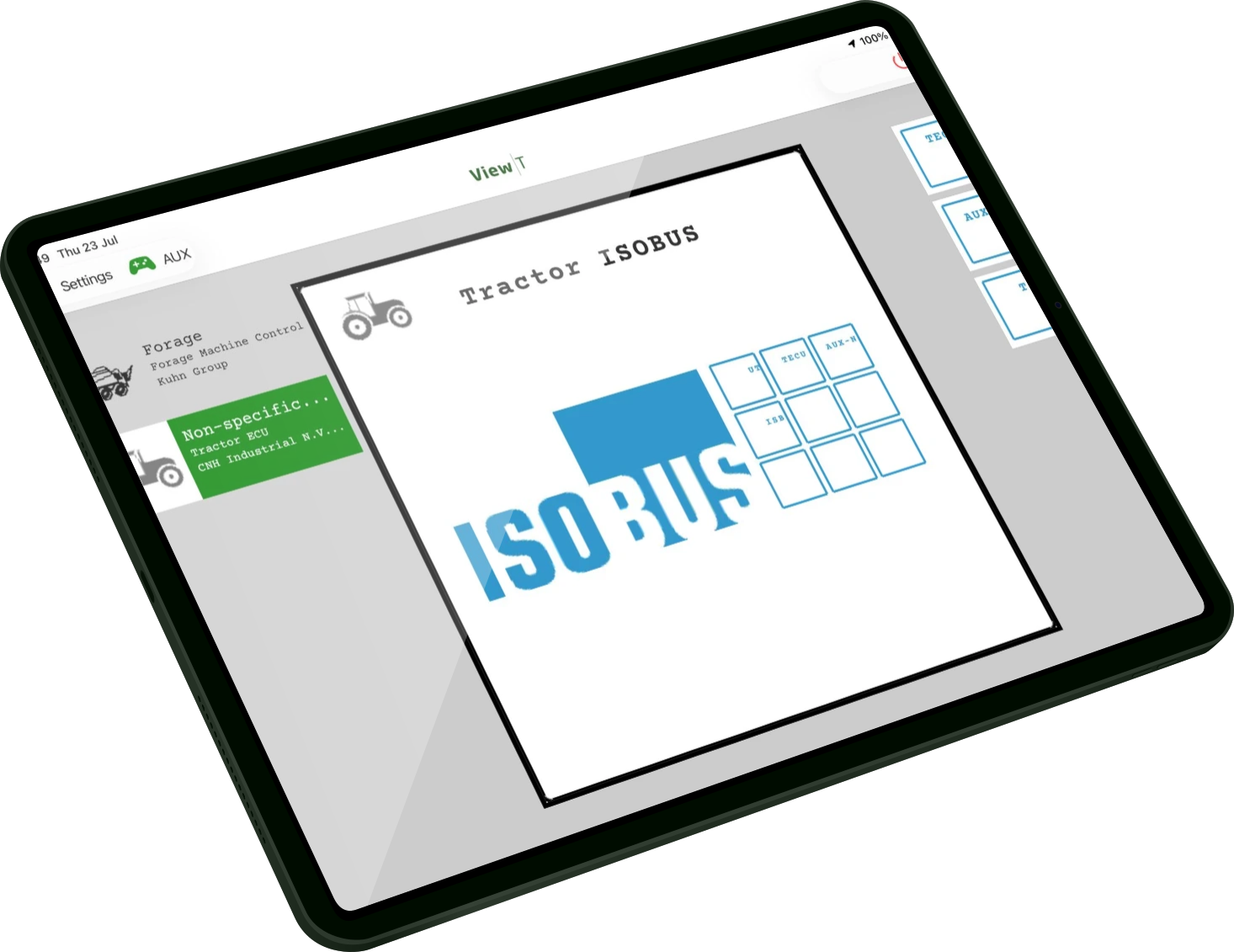
Take control of your implements like never before. View-T turns your tablet into a wireless ISOBUS virtual terminal, letting you operate multiple ISOBUS implements on a single, intuitive interface.
3 steps to use your tablet as an ISOBUS Universal Terminal
Install Module
Connect Wi-Fi Module to the ISOBUS
Join Network
Join the View-T Wi-Fi network from your device
Activate App
Download View-T from the App store and activate licence

Simplify Your Cab
View-T allows an iOS or Android tablet to connect to a machine’s ISOBUS, acting as a Universal Terminal with full functional control of devices through each ISOBUS VT.
Features:
- Auxiliary Control - Connect Aux-N controller to the ISOBUS, use View-T's AUX page to assign ISO functions.
- Record CAN traces - No PCAN required, simply turn on CAN recording in the app and traces are saved to the device memory.
- Update ISOBUS devices - Update your SolSteer kits through View-T’s File Server using a USB Drive.
Product Details:
- CAN wireless module is connected to the machine via the 9-way in-cab ISOBUS socket.
- In-cab ISOBUS socket to replace the machine’s socket, with unintrusive installation behind the panel.
- QR code sticker to scan and connect the tablet directly to the module.
- The View-T app is available to download from the App Store or Play Store. Your purchase includes a license key.

Frequently asked questions
Find answers to frequently asked questions about View-T
The View-T kit contains a CAN wireless module, an in-cab 9-way ISOBUS socket and wiring harness. This enables you to use iOS or Android tablet of your choice.
All of our products are available to buy through our dealers, meaning we can provide local technical and fitting support. You can find our Dealer Network Here.
Your dealer will be able to provide technical support both at the point of fitting and if you have any ongoing queries. If you need support direct from the SolSteer team, you can Contact Us Here.
GreenStar Compatibility
Integrate existing equipment without replacing your current display or receiver.
ISOBUS Certified Solutions
Manage compatible implements through ISOBUS solutions for section control, drilling, slurry application and more.Retrofit Existing Machinery
Upgrade tractors and implements while making the most of your current investment.
Global Dealer Network
Expert advice, installation and technical support from authorised dealers.
Find a dealer